Event Content Production
What Happens on Screen Shapes the Event as Much as What Happens on Stage.
Your screens carry the story between speakers, build energy before sessions, guide the audience through each segment and give your brand a visible presence throughout the program. DXG creates event content production for conferences, meetings, awards programs and branded experiences, connecting creative work with the screens, playback systems and show flow, so every visual arrives ready for its live moment.

Master content &playback schedule
Plan, sync and run every screen with precision.

Built Around Your Event Rather Than Content Package
Every event needs a different content mix. A corporate conference may need an opening film, executive presentations, walk in graphics and sponsor moments. An association meeting may need general session content, speaker support, awards media and several room specific graphics. Medical, nonprofit and education programs bring their own messaging, timing, branding and audience needs.
Corporate Events
Support sales meetings, executive programs, user conferences, product launches and branded experiences with content built for the room and the audience.
Association Events
Create general session content, speaker visuals, sponsor recognition, awards media and conference graphics across busy multi session programs.
Medical Events
Prepare presentation content, approved videos, speaker support graphics and session media for medical meetings and educational programs.
Nonprofit Events
Use video, motion graphics, recognition media and donor focused storytelling across galas, fundraising programs and mission driven events.
Education Events
Create screen content for commencements, symposiums, academic meetings and institutional programs with fixed schedules and large audiences.
Event Content Starts With the Show Plan
Strong event content starts before the design file opens. DXG looks at how every asset will work inside the live program.
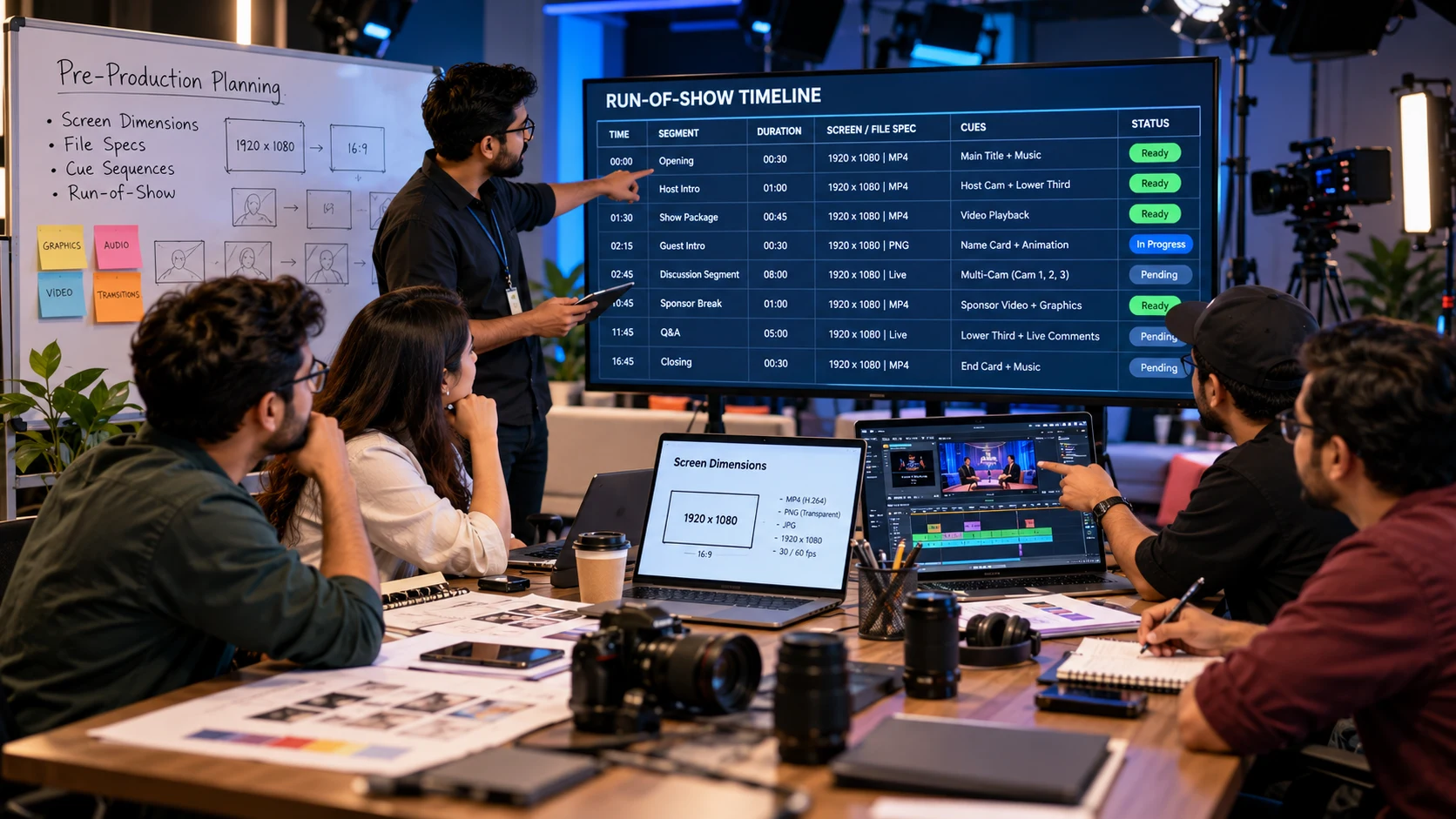
Behind the scenes during pre-production planning: creative team and technical producers aligning screen dimensions, file specs, and cue sequences directly with the master run-of-show timeline.
Screen Reframes the Content
LED walls, projection systems, confidence monitors, scenic screens and multiple displays each call for a different approach. We plan aspect ratios, dimensions, resolution, safe areas and content zones around the actual display environment.
Run of Show Shapes the Timing
An opening video needs a cue. A walk in look needs a start and end point. A speaker presentation needs a clean handoff. An awards sequence needs accurate names, titles and timing. DXG maps content to the run of show so the media supports the pace of the program.
Production Teams Design the Workflow
Content moves through presenters, producers, playback operators, AV teams and show callers. DXG keeps the workflow organized through clear deadlines, file preparation, review stages and final delivery.
How We Build Event Content
DXG plans conference video content around your agenda, audience, venue, screen environment and production schedule. Our team works alongside the audiovisual and creative teams, so every asset has a clear place in the show.
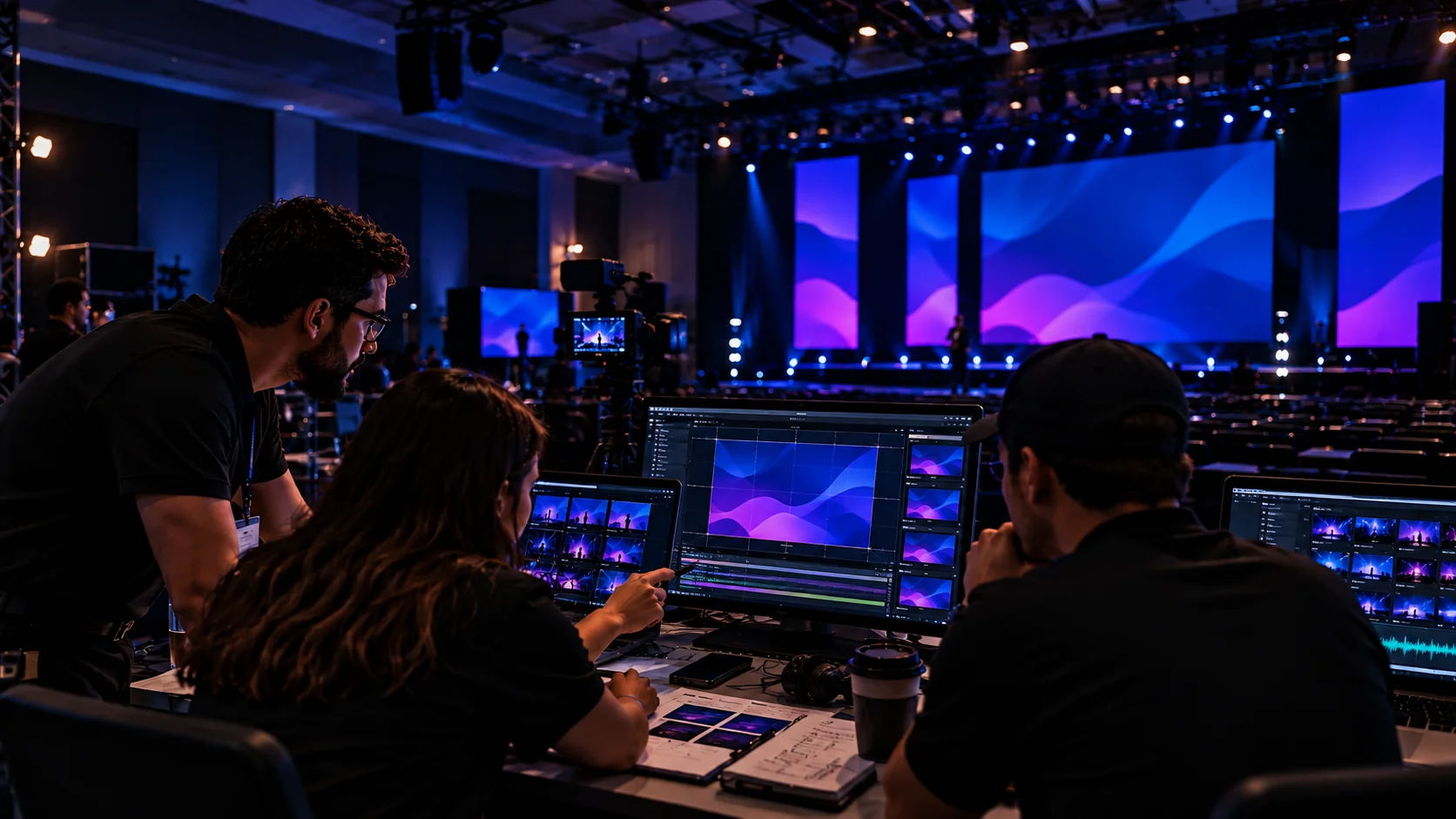
Evaluating LED aspect ratios, resolution, safe zones, and agenda cues across main stage and breakout displays.
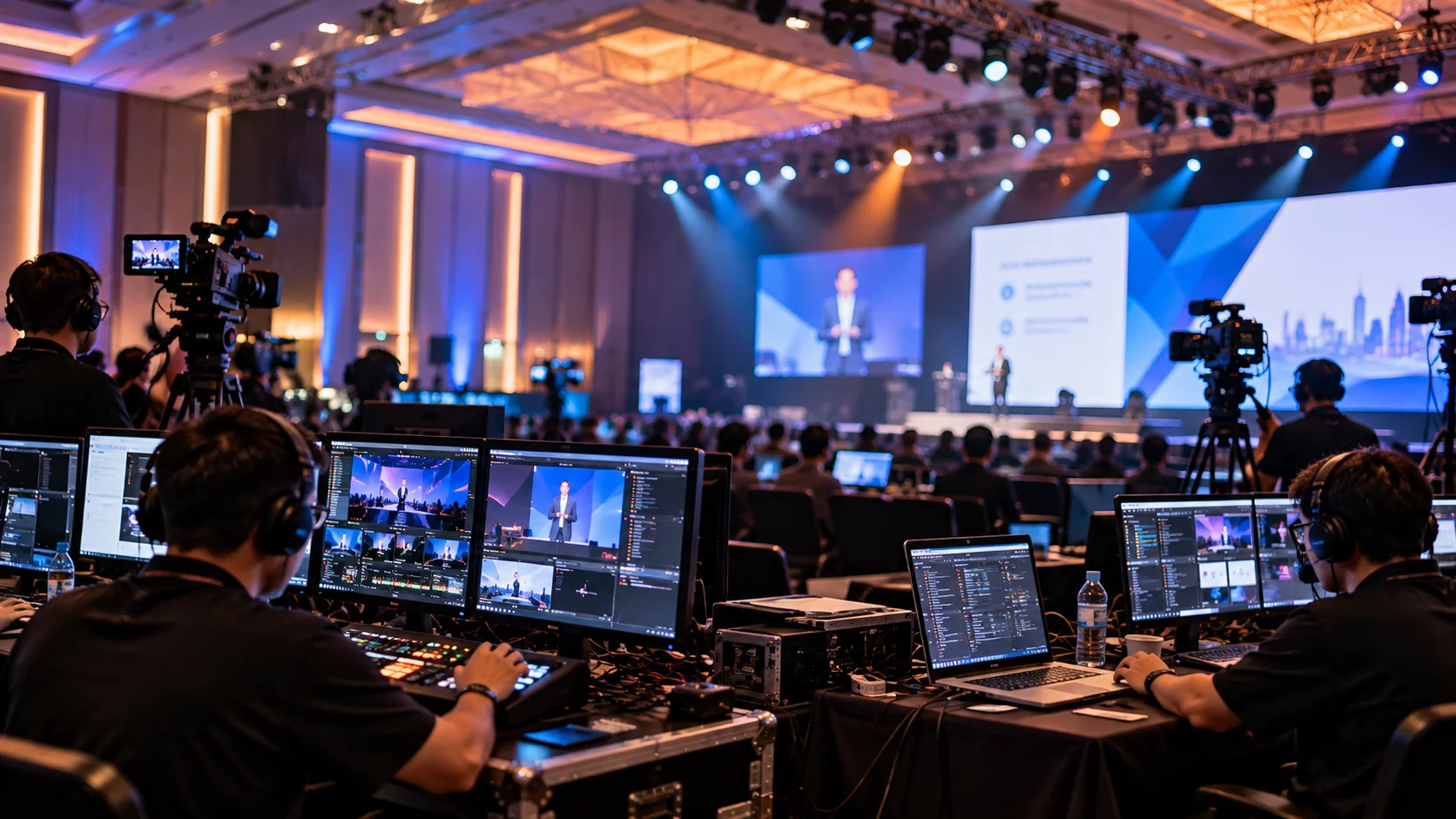
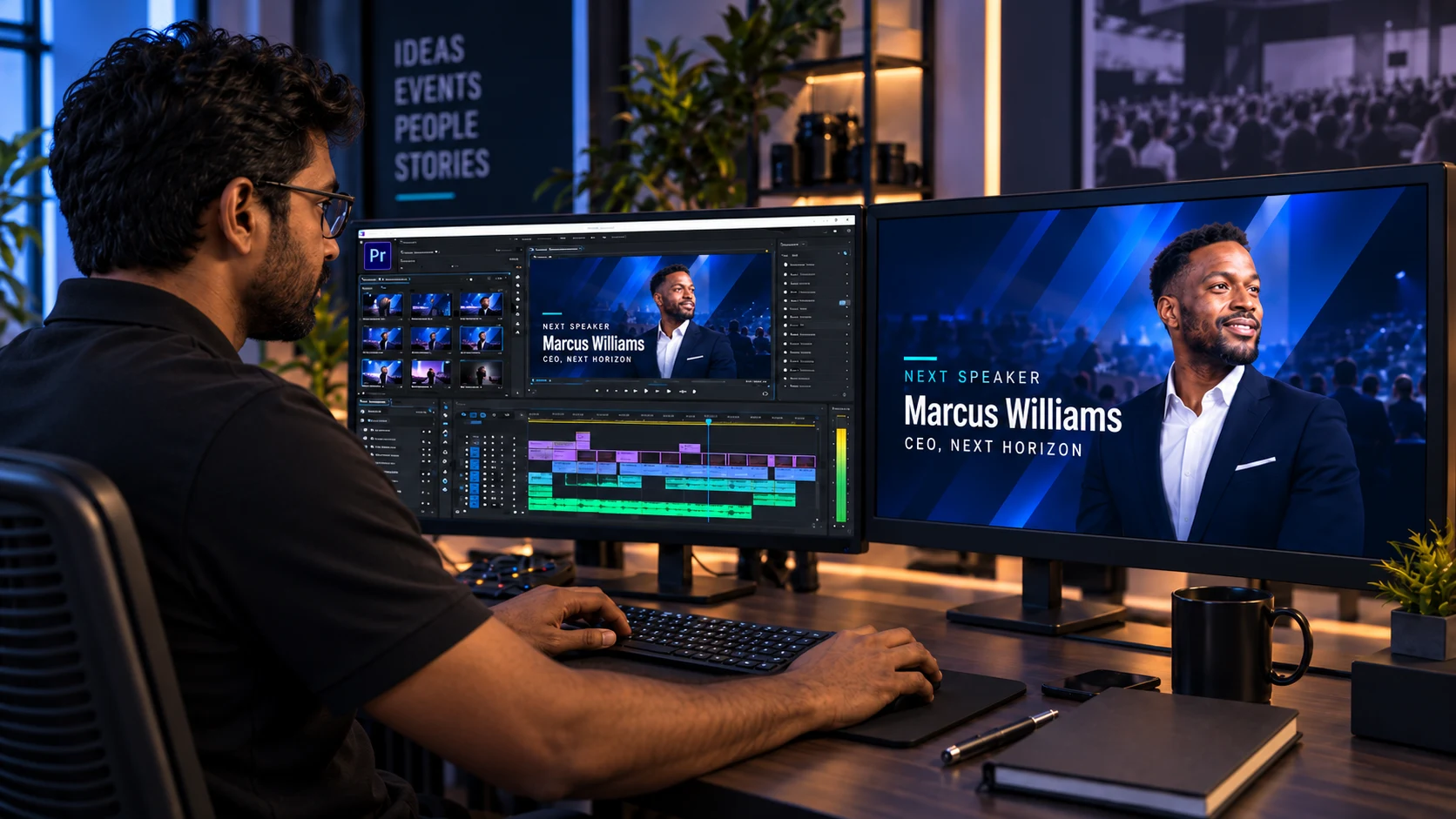
Creating motion graphics, walk-in packages, speaker decks, and video content tuned for live execution.
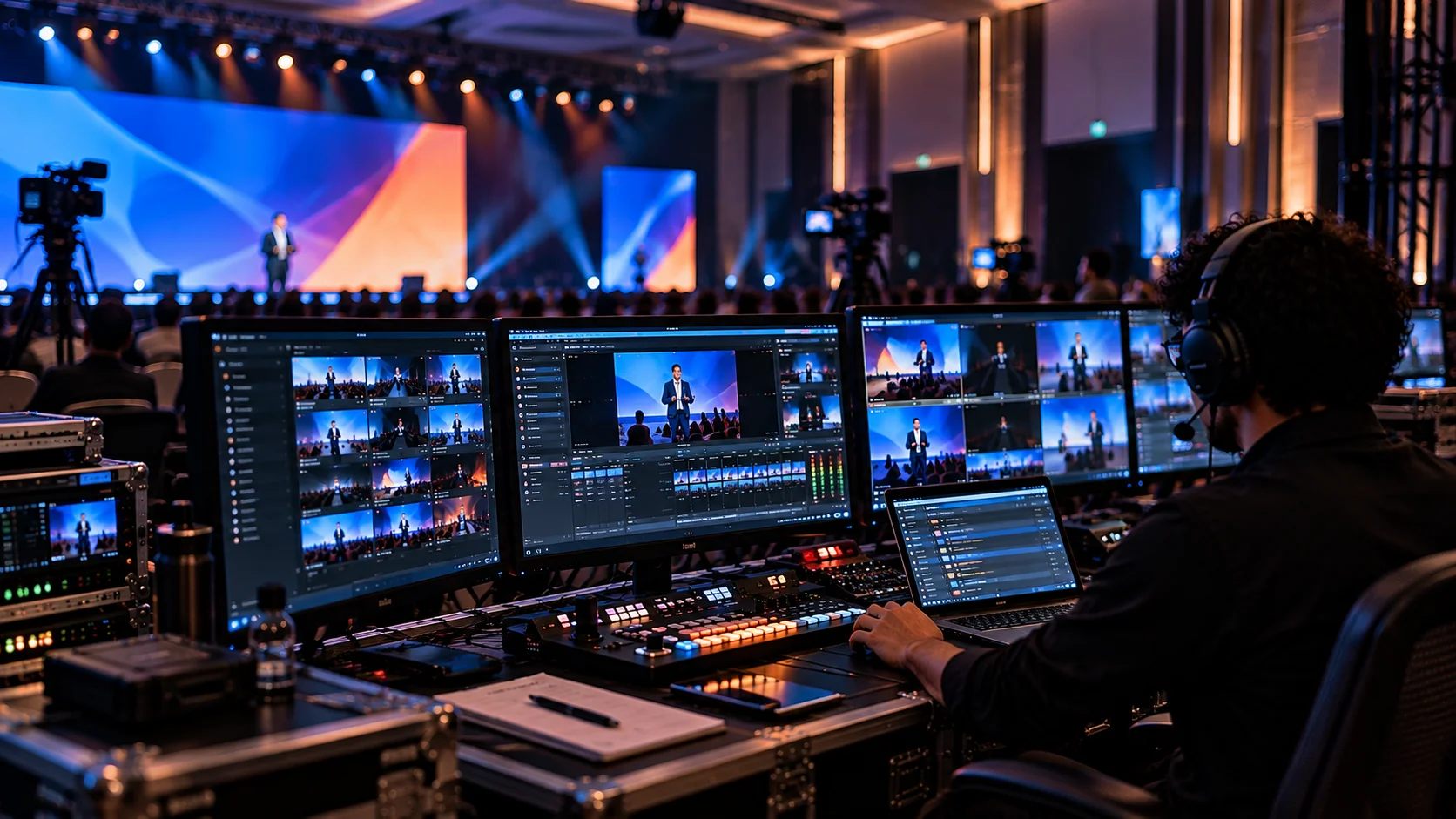
Show-ready assets organized by session, cue, and format for seamless playback operator execution.
- 1
1. Content Discovery
We review the event type, audience, agenda, brand requirements, screen setup, content inventory and delivery dates. You get a clear view of the content needed for the show.
- 2
2. Content Planning
We map each asset to its session, speaker, screen, cue and purpose. The plan helps the team see missing pieces early and keep production moving.
- 3
3. Creative Direction
We define the visual direction for opening videos, motion graphics, presentations, transitions, awards and branded screen moments. Creative choices stay connected to the event experience.
- 4
4. Production and Design
Our team produces and edits the required media, from conference video content and event opening videos to motion graphics for events, walk in graphics, presentation design and digital scenic content.
- 5
5. Review and Technical Preparation
Every finished asset moves through content review and technical preparation. We check messaging, branding, timing, file format, dimensions, resolution and playback requirements.
- 6
6. Show Ready Delivery
Final files arrive organized for the production team. Videos, graphics, presentations, transitions and playback assets follow the approved show plan.
What Event Content Production Can Include
DXG provides comprehensive event content production capabilities tailored to your program, screen format, and live schedule.
Set the tone before the first speaker and close the program with a strong final visual.
Give attendees a consistent visual experience during room entry, exits, breaks and transitions.
Build animated titles, transitions, lower thirds, segment graphics and branded visual systems for live events.
Create screen content designed to work with stage design, lighting, LED walls and scenic elements.
Turn speaker presentations into clear, polished show content with consistent branding, readable layouts and media integration.
Prepare supporting visuals, speaker videos, session graphics and presentation elements for presenters and production teams.
Create visuals for keynotes, panels, breakout sessions, interviews, fireside chats and other program segments.
Use timed graphics to mark session starts, breaks, speaker changes, room transitions and other live cues.
Create awards show content for names, titles, categories, honorees and recognition moments with accurate timing.
Give sponsors dedicated screen moments through logos, branded animations, slides, video and scheduled recognition cues.
Edit supplied footage, trim files, prepare versions and organize content for reliable playback.
Prepare content for the actual display environment, including large LED surfaces, projection systems and event screen formats.
What Your Event Content Needs Before Show Day
Good event content starts with a clear production system. Each asset needs a purpose, an owner, a format and a place in the show. DXG helps planners organize these details before content reaches the screen.
Organized file structures, verified pixel specs, and show-ready playback.
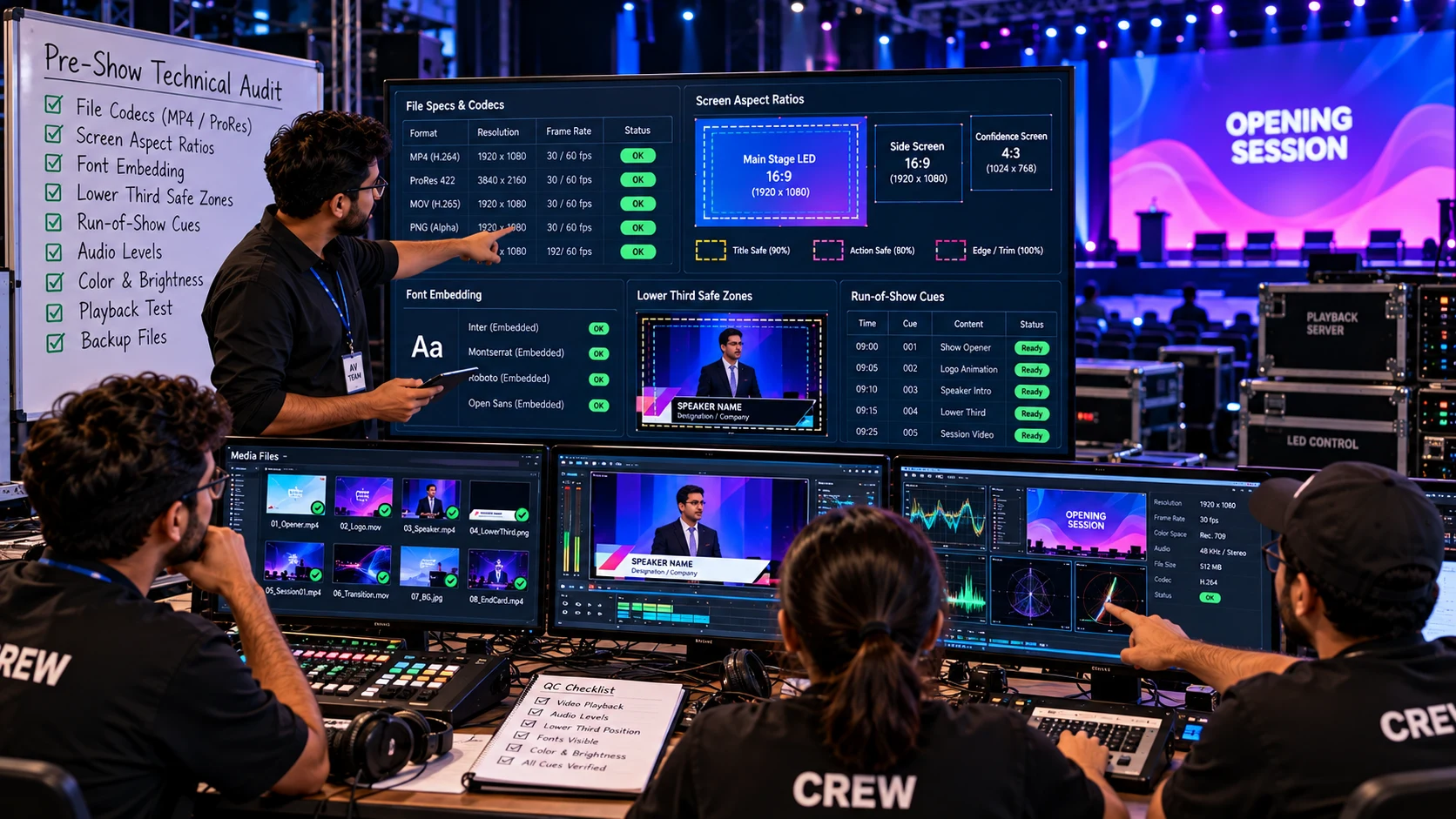
Checking file codecs, screen aspect ratios, font embedding, lower third safe zones, and run-of-show cues before loading media onto playback servers.
- A Complete Content ListStart with every expected asset. Include opening videos, presentations, speaker slides, walk in graphics, transitions, sponsor media, awards content, countdowns and closing visuals. A complete list gives the team one source for planning and tracking.
- Actual Screen SpecificationsContent should follow the real screen environment. Confirm LED dimensions, projection format, aspect ratio, resolution, pixel dimensions and content zones before production starts. Early technical details help the creative team design for the final display.
- Clear Review DeadlinesEvery asset needs a review date, approval date and final delivery date. Set deadlines for speaker presentations, videos, sponsor graphics, awards names and other time sensitive materials.
- Organized File VersionsUse clear file names and controlled versions for every approved asset. Keep final files separate from working files so the playback team can find the correct version quickly.
- Speaker Ready PresentationsSpeaker decks need more than good design. Check fonts, embedded videos, animations, layouts, branding and presentation flow before rehearsal.
- Playback Ready DeliveryFinal content should arrive grouped by session, sequence and cue. A clear delivery structure helps producers, playback operators, speakers and AV teams work from the same content plan.
Existing Content? We Can Make It Show Ready.
Many event teams already have presentations, videos, brand files, sponsor graphics or agency created assets. DXG can bring those materials into the same production workflow as newly created content.
Screen Format
We check aspect ratio, dimensions, resolution and display requirements for the actual screen environment.
Playback Readiness
We check file type, duration, transitions, cue points and playback needs before show day.
Presentation Readiness
We review fonts, layouts, videos, animations and slide consistency for live presentation use.
Screen Format
We check aspect ratio, dimensions, resolution and display requirements for the actual screen environment.
Playback Readiness
We check file type, duration, transitions, cue points and playback needs before show day.
Presentation Readiness
We review fonts, layouts, videos, animations and slide consistency for live presentation use.
Screen Format
We check aspect ratio, dimensions, resolution and display requirements for the actual screen environment.
Playback Readiness
We check file type, duration, transitions, cue points and playback needs before show day.
Presentation Readiness
We review fonts, layouts, videos, animations and slide consistency for live presentation use.
Brand Consistency
We align videos, presentations, graphics, scenic content and sponsor moments under the approved visual direction.
Show Flow Alignment
We place final content against the run of show so every file has a clear cue and purpose.
Brand Consistency
We align videos, presentations, graphics, scenic content and sponsor moments under the approved visual direction.
Show Flow Alignment
We place final content against the run of show so every file has a clear cue and purpose.
Brand Consistency
We align videos, presentations, graphics, scenic content and sponsor moments under the approved visual direction.
Show Flow Alignment
We place final content against the run of show so every file has a clear cue and purpose.
Start Your Event Content Plan
Tell Us About Your Event
Share the event type, dates, venue, agenda, screen setup, audience, existing content and production deadlines.
Content Discovery
We review your program, identify the required content and define the creative and technical scope for the event.
Content Scope and Proposal
You receive a content plan with deliverables, timeline, production responsibilities and investment.
Questions Planners Ask Us

Build the Content Before the Screens Go Live
Your event content should arrive ready for the room, the screen and the show flow. Tell DXG about your program, content needs and display environment, then build a production plan around the experience you want your audience to see.
Schedule a Strategy Call
A 30 minute working session on your event content. Not a sales call.
Schedule a Strategy CallBook the call with no pressure, no pitch deck, and just a conversation about your event.